

- an agent that reads an invoice and returns its fields as JSON,
- a function that checks the line items add up to the total,
- a workflow that runs the two in order,
curl.
You need access to an app in the Wavefront Console, and an API key for one of the supported model providers.
1. Add a model
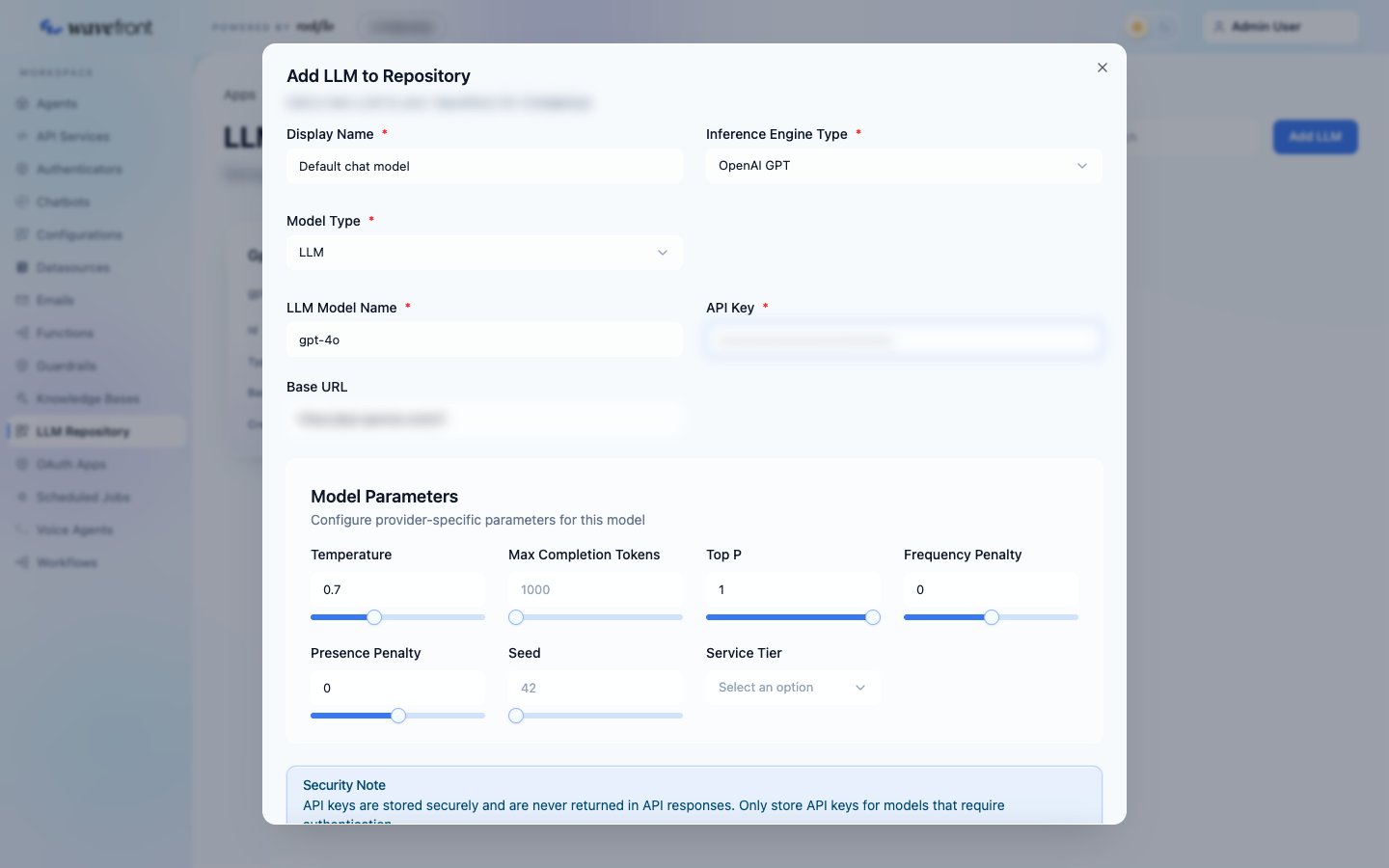
Open your app and go to LLM Repository → Add LLM.
Click Add Model, then copy the new entry’s id from the list. Agents refer to the model by this id, so the key never appears in your YAML.
2. Create the agent
Go to Agents → Create Agent. Enter an Agent ID (invoice-reader), pick a Namespace, and paste this YAML, replacing <your-model-id>:
invoice-reader.yaml
parser makes the agent return JSON with exactly these fields. Field descriptions matter: the model reads them.
Try it
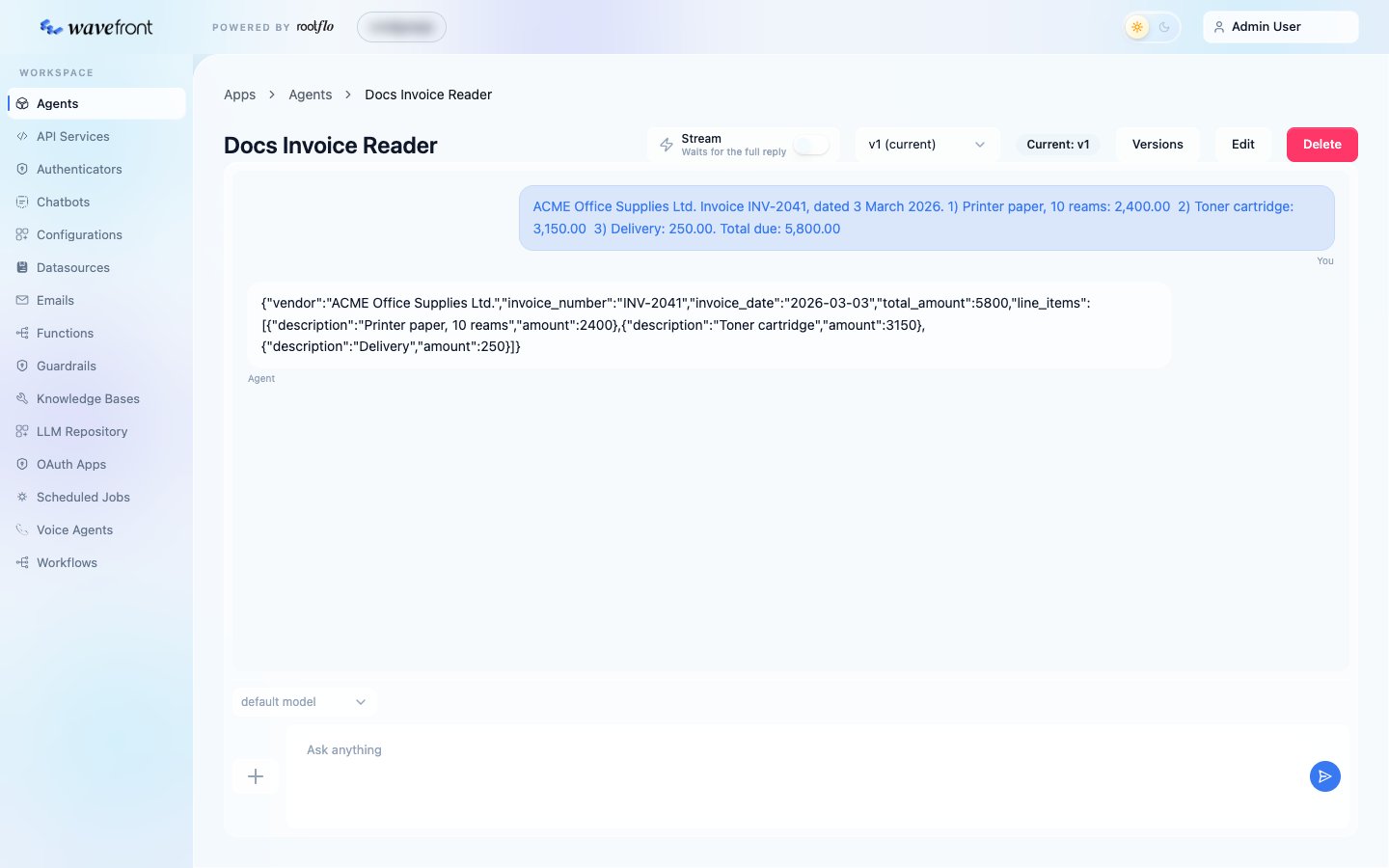
Open the agent. The console shows its name in title case (invoice-reader becomes Invoice Reader). In the Ask anything box, paste an invoice and send it:
3. Create the function
The agent reads the invoice; a function does the arithmetic. Arithmetic, comparisons and decisions belong in functions: they are exact, testable and cost nothing to run. Go to Functions → Create Function. Name itcheck-invoice-total, paste the YAML below into the editor, and click Create Processor:
check-invoice-total.yaml
4. Create the workflow
Go to Workflows → Create Workflow. Enter a Workflow ID (invoice-check), pick the same namespace, and paste this YAML, replacing <your-model-id> and <your-function-id>:
invoice-check.yaml
agentsandfunction_nodesdeclare the steps;workflowwires them together.input_filter: [invoice_reader]hands the agent’s JSON to the function. The function sees its fields directly:input.total_amount,input.line_items.- The workflow’s output is the output of its last node,
check_total.
Run it in the console
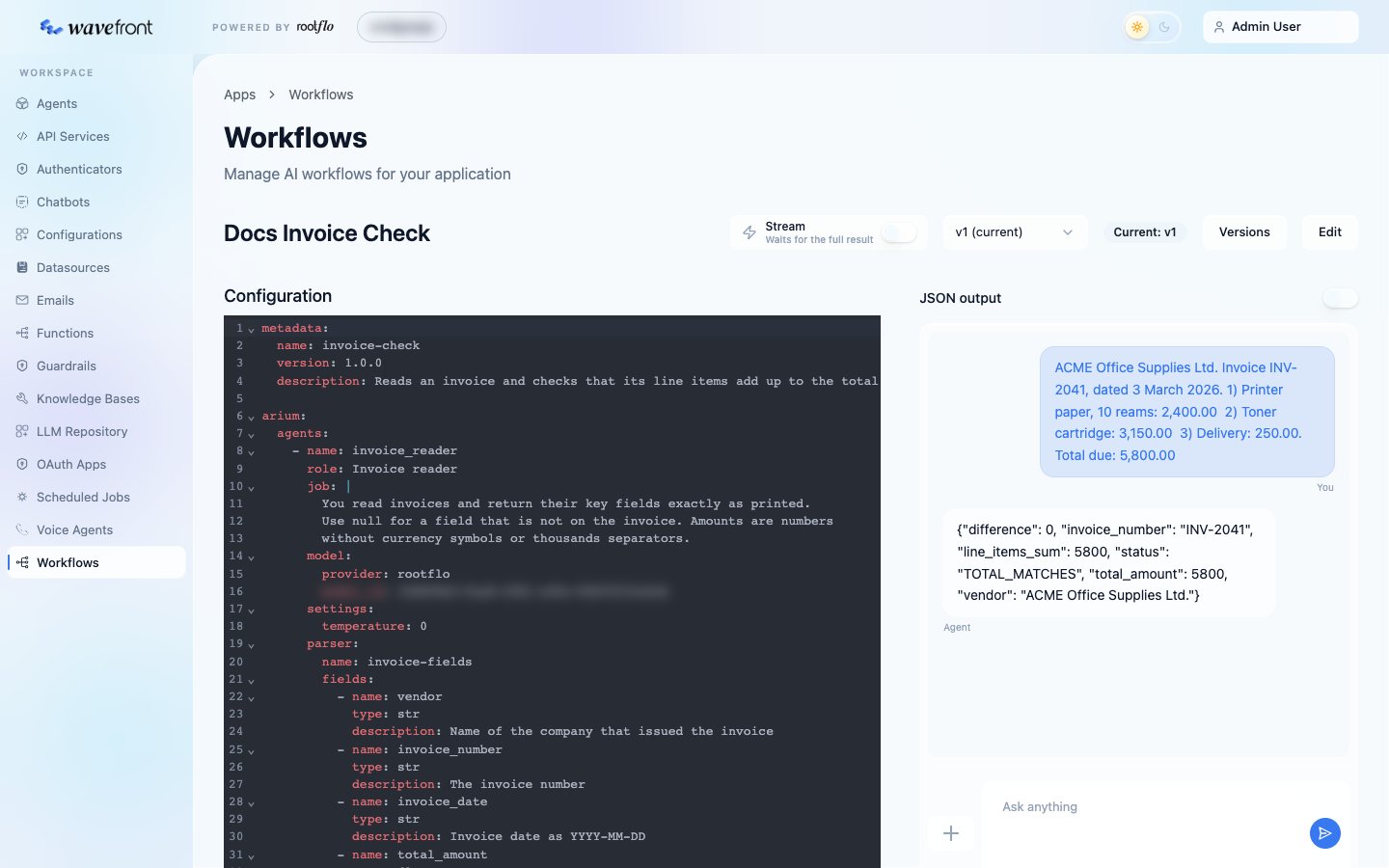
Open the workflow. Its YAML is on the left; on the right is the same chat panel as for agents. Paste the invoice text from step 2 into Ask anything and send. (This workflow needs no variables; when one does, add them with + → Add variables.) The result:TOTAL_MISMATCH.
5. Run it from the API
Your application calls the app directly, with an app user (not your console account). Sign in to get a token:Response
A workflow’s
result is a string containing the last node’s output; parse it as JSON. An agent run through POST /floware/v2/agents/<agent-id>/inference returns result as an object when the agent has a parser.meta.status is success or failure, and on failure meta.error says why.
What you built
You used the pattern most Wavefront features follow: an agent gathers the facts, a function makes the call, a workflow runs them in order.Next steps
Workflows in depth
Routers, sub-workflows, iterators and versions.
Read and write your data
Load the record to check from a database and save the result.
Rules as configuration
Move the tolerance into a configuration admins can edit.
Run in the background
Queue long runs and poll for their result.